Commercial cleaning
Keep cleaning work on track across every site
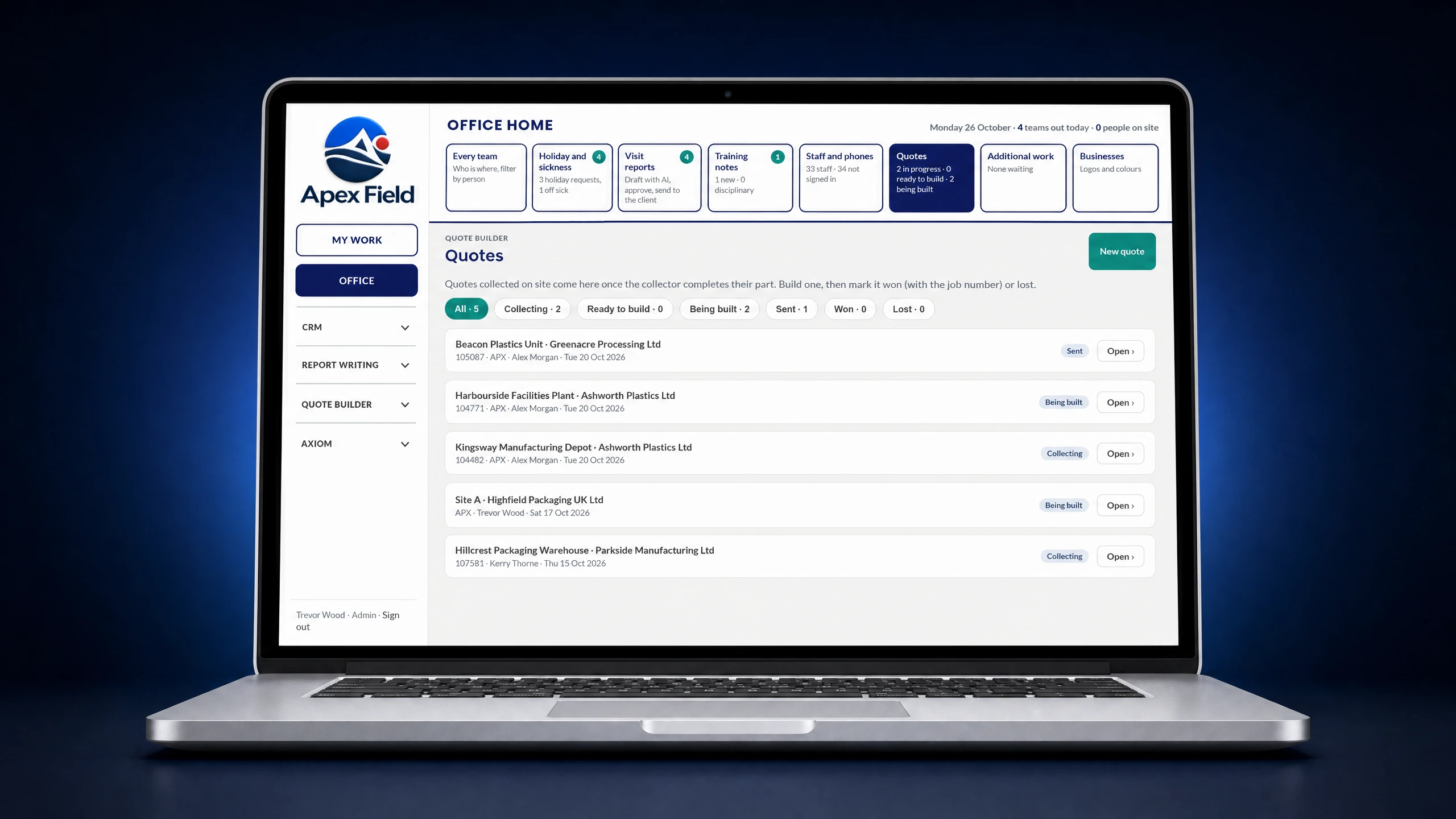
Quote for new contracts, then plan work, staff and plant. Provide all staff with the information they need and collect pictures, signatures, and notes when on-site. Let admins finnish up work in the office, including client reports and invoicing.
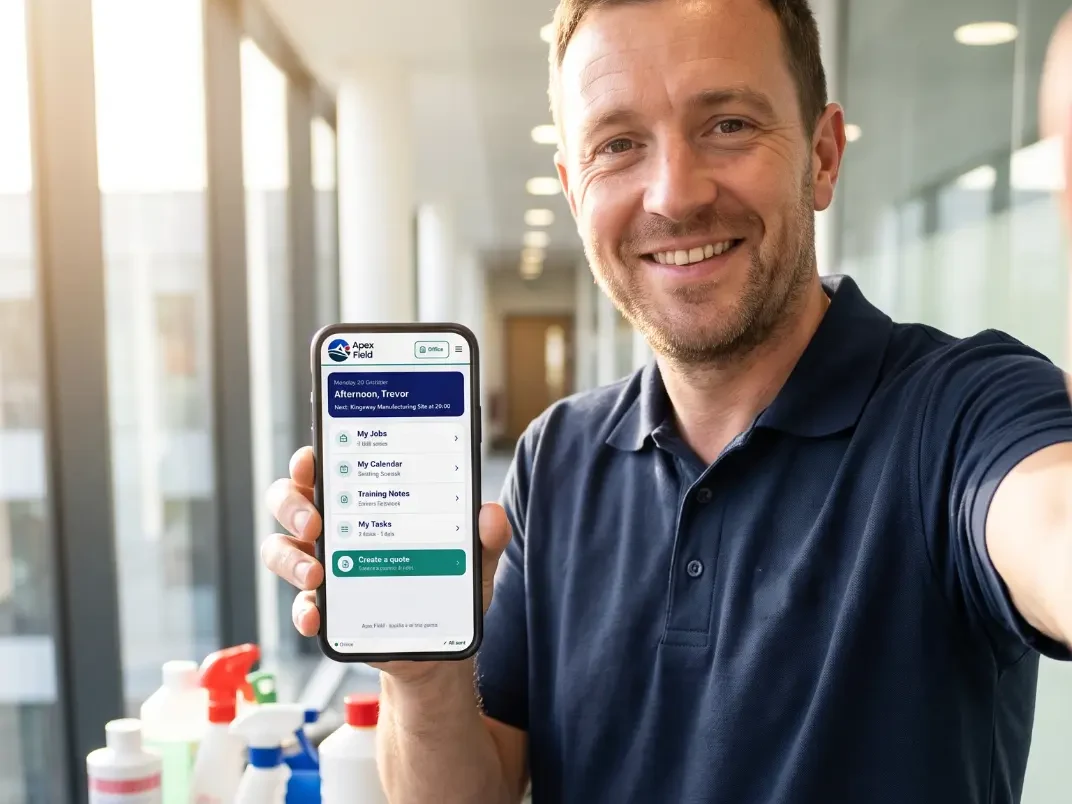
How your team would use it
- 1
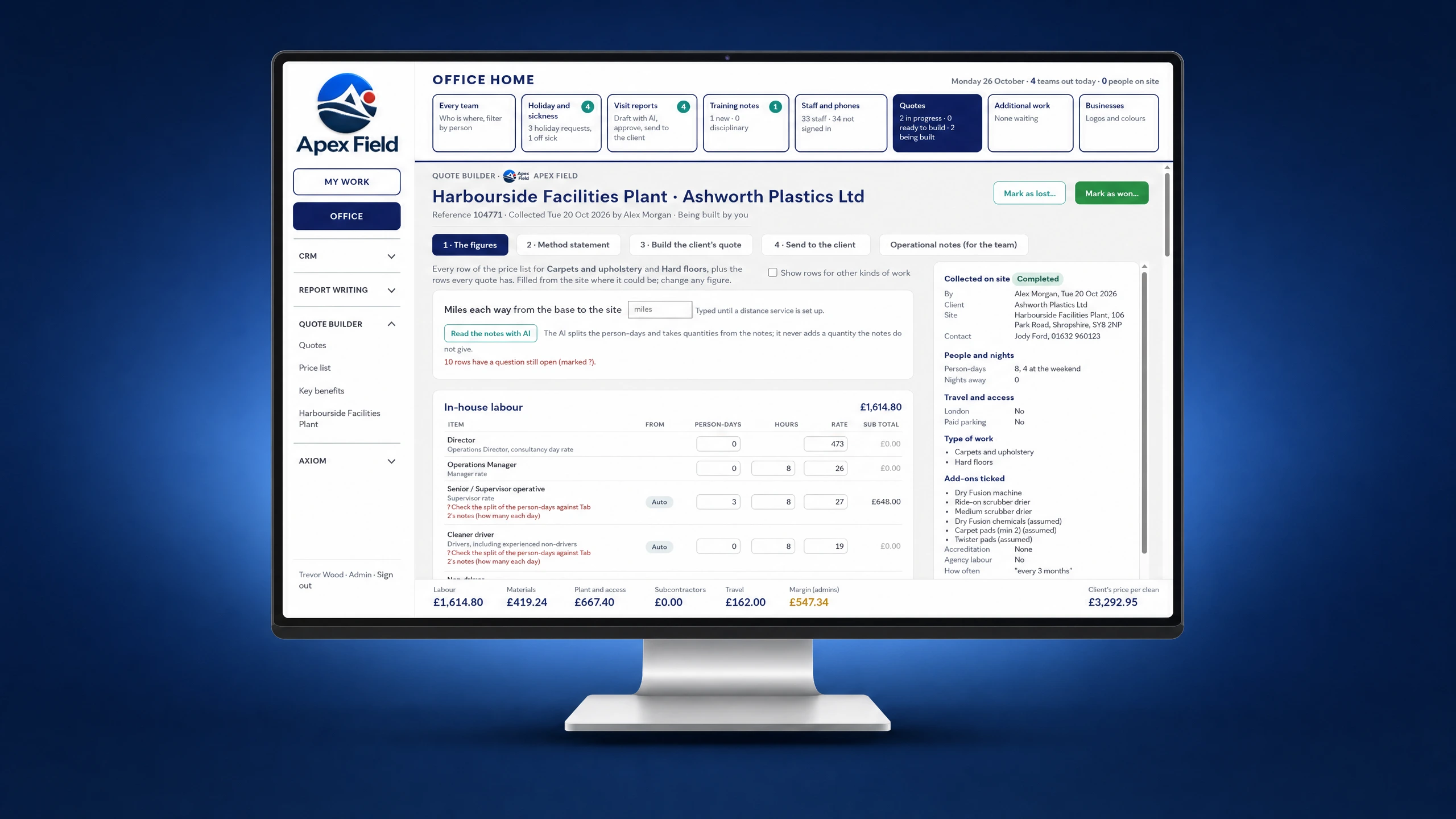
Quote for work
Build a tailored quote for regular cleaning, deep cleans or one-off jobs and send it to the client for approval.
- 2
Plan the work
Assign regular shifts and one-off jobs. Give staff site instructions, access details and the right checklist before arrival.
- 3
Record work done
Complete cleaning checklists and quality audits on site. Record exceptions and attach before-and-after photos where useful.
- 4
Send to Admin
Return completed forms, notes, photos and signatures to the office without retyping the visit record.
- 5
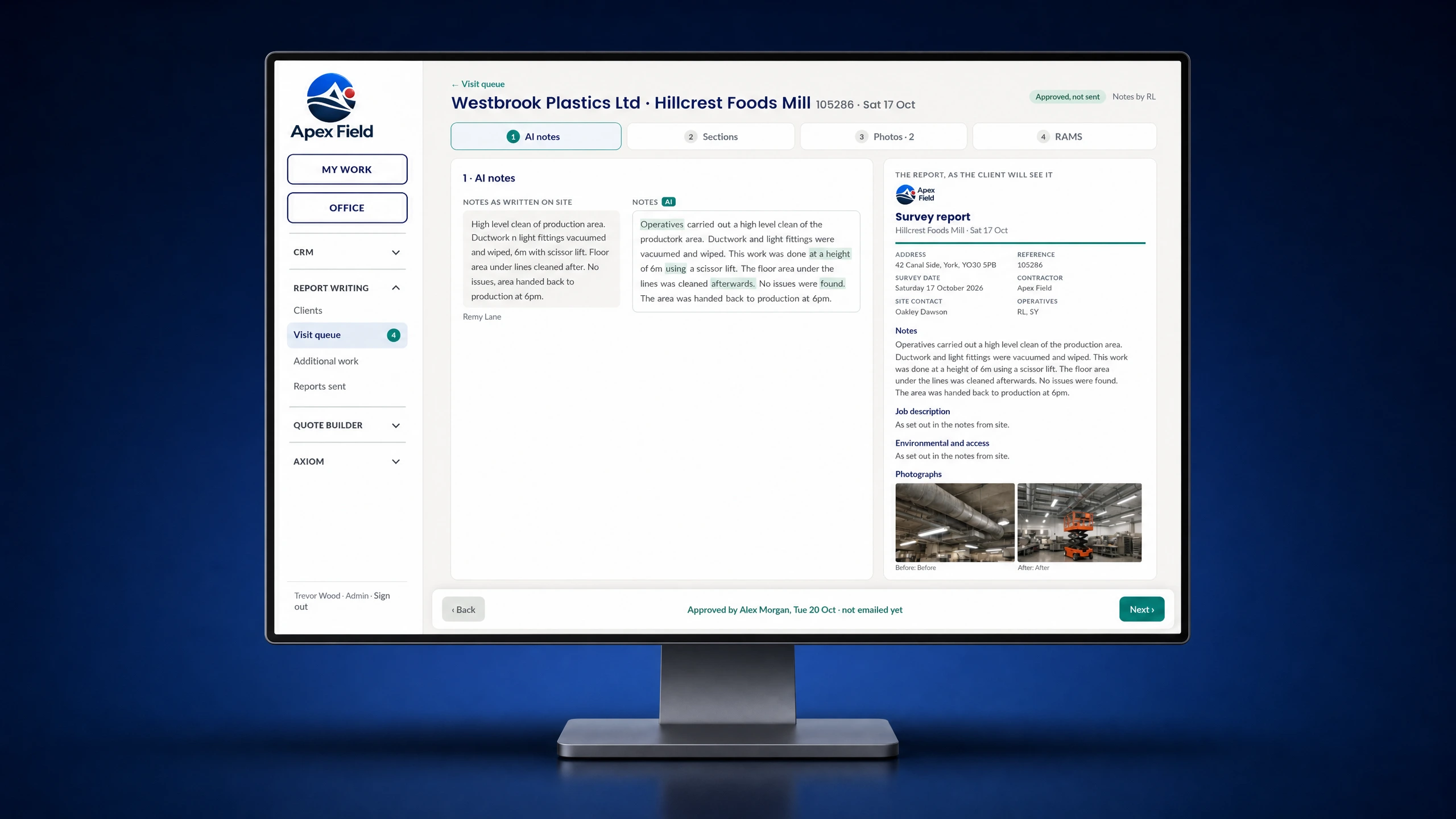
Send to Client
Prepare and send a clear report of the completed work, outstanding issues and any follow-up required.
See Apex Field in action

What this looks like on a job
A supervisor finds that a floor needs specialist treatment during a quality audit. They attach photos, record the finding and pass it to the office to quote. The client can approve the extra work online and see the completed treatment in the follow-up report.
Explore field service management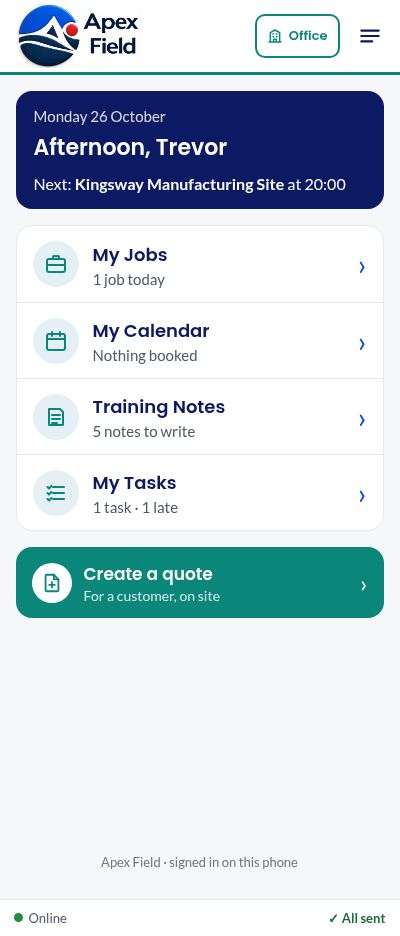
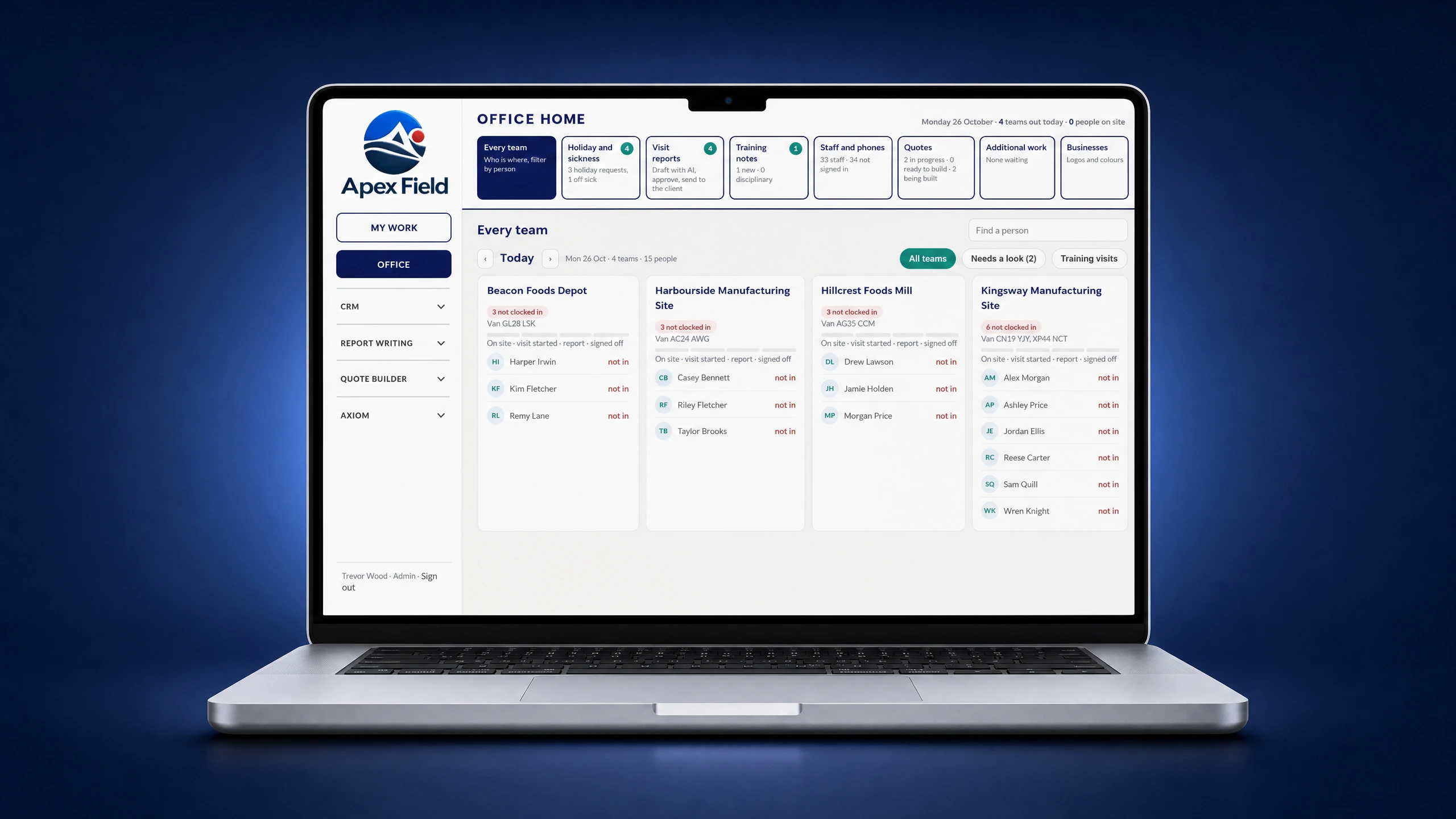 Screen 1 of 4: The office view of every team
What this looks like for admin
Office staff can see the work coming back from every team, finish quotes and prepare customer reports from the forms, notes, photos and signatures captured on site. The information stays with the job, so there is no need to rebuild the visit from separate paperwork.
Explore field service managementShow Us Your Process
Bring one of your job sheets, site checklists or reporting workflows. We’ll discuss how it could work for your team.