
FOR BMET, WATER HYGIENE & FIRE SAFETY SERVICE BUSINESSES
Less paperwork. Faster reports. Better control.
Connect Visual Planning resource scheduling, field inspections and customer reporting around the way your team works. Apex and Axiom can be presented within the connected Visual Planning workflow through Dinsdale Select and Dinmore's MCP. Start with one process, or connect the whole workflow. Keep your existing systems where they still do the job.
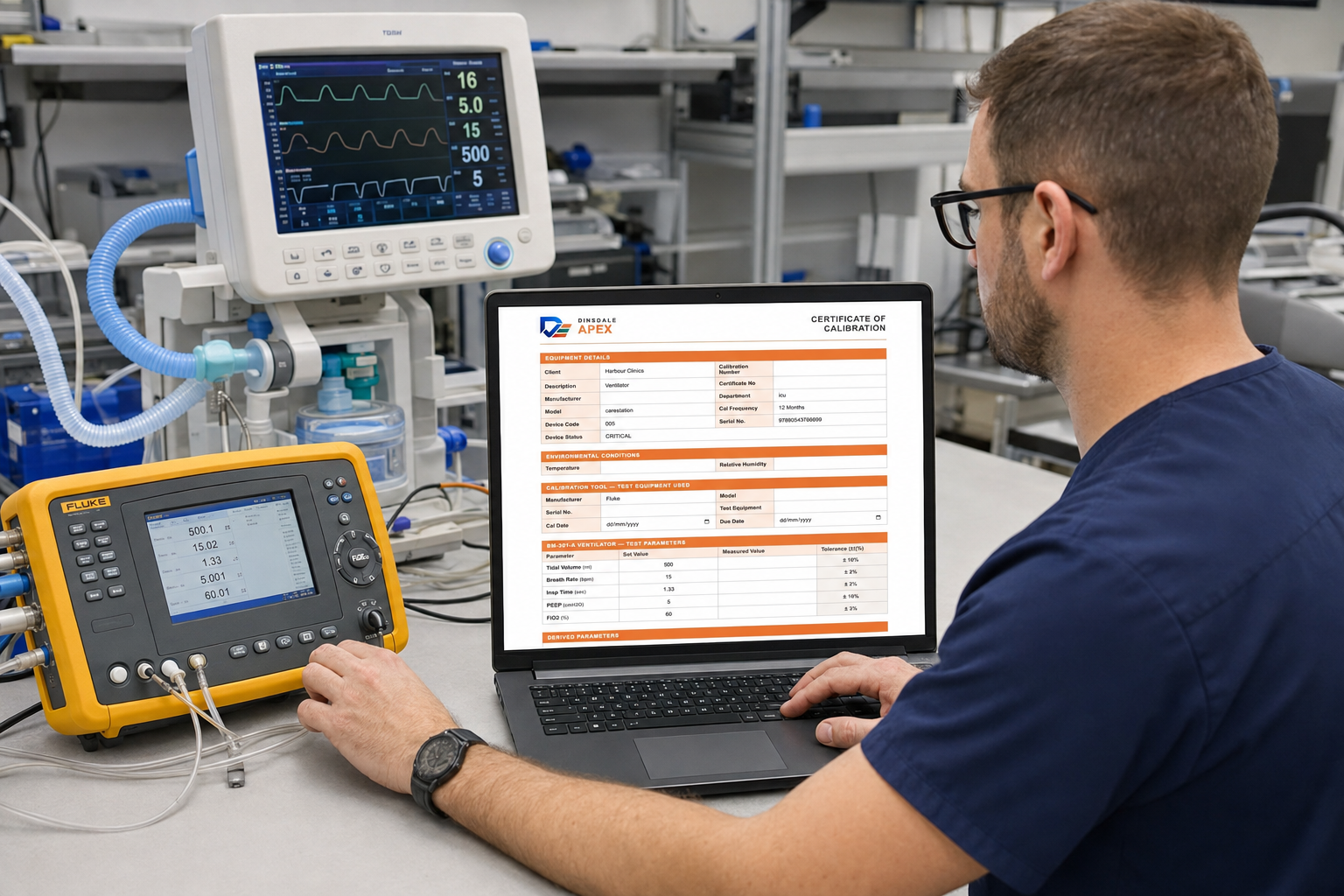
Keep the whole job moving, from start to finish
Before work reaches the planner, requirements may need collecting, a quote preparing and approvals securing. After the visit, reports, additional work and invoice information may still need completion
Before The Job Starts
Define the work before it starts. Risk assessments, method statements, asset history, competency checks and job briefings are assembled in one place so the engineer knows exactly what they are walking into.
Input, Planning and Scheduling
Work orders, PPM frequencies, resource allocation and customer appointments flow into a live schedule. Planners see capacity, conflicts and priorities without switching systems.
Work 'Out In The Field'
Engineers see the right form for the job, capture readings, photos and signatures, and raise findings as they happen — even when there is no signal underground, offshore or in a plant room. All fully compliant.
Completion And Follow-Up Work
Certificates, client reports, remedial actions, invoicing data and audit evidence are produced from the same record. Nothing needs to be retyped, reformatted or reconstructed later.
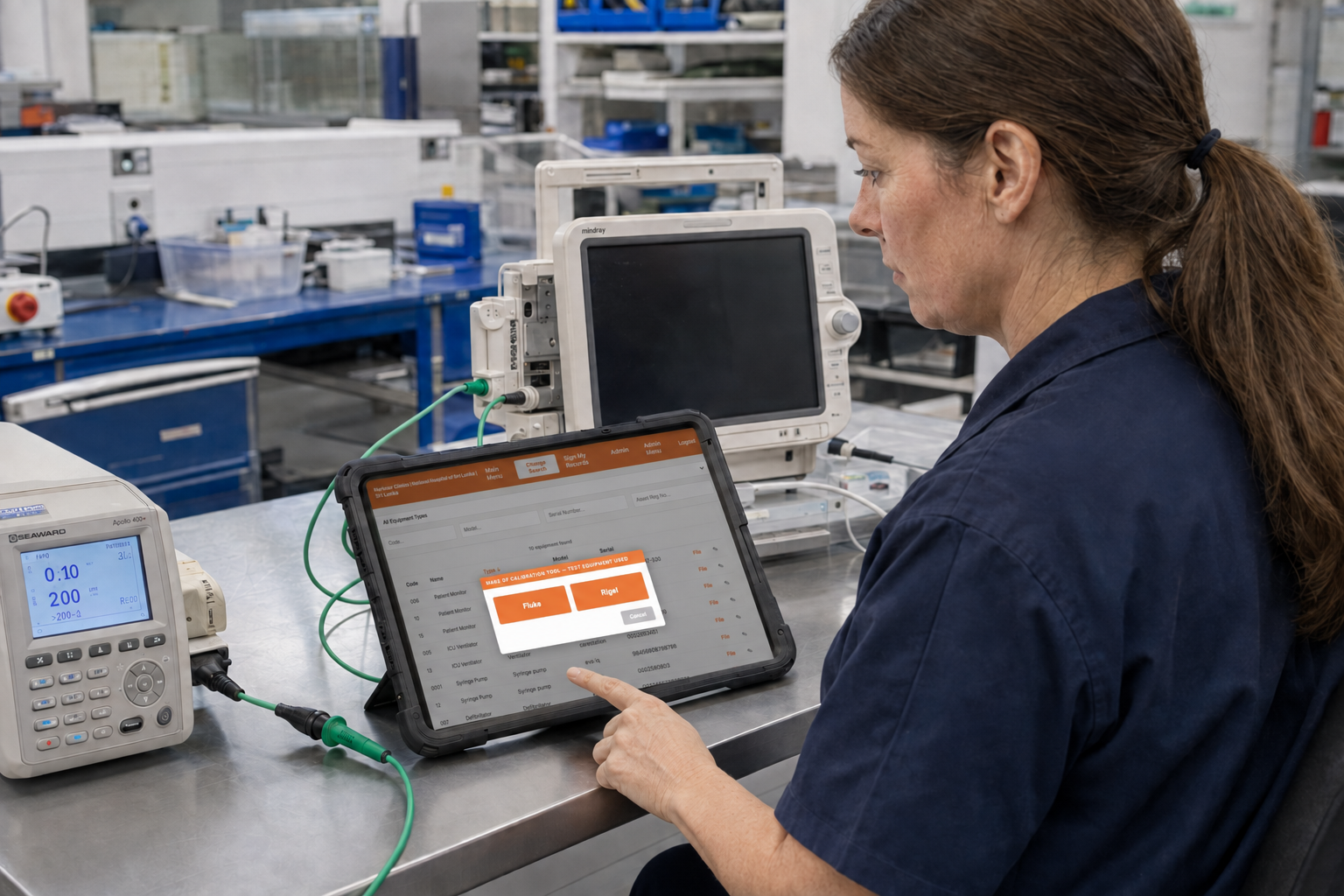
The right workflow, equipment and asset record at the point of work.

Captured evidence ready to check, approve and share.
What you gain
The platform is designed to remove the administrative drag that slows down field teams and hides revenue in unsigned paperwork.
- Reduce retyping between field work and office administration.
- Get completed reports ready for review and delivery sooner.
- Keep outstanding work and follow-up actions visible.
- Identify additional work that needs quoting.
- Retrieve the records behind a customer query or audit request.
Start with the job that wastes your time.
A form that needs retyping. A report that takes too long to prepare. A scheduling task repeated throughout the day. Show us one process and we’ll discuss a practical way to improve it, without assuming you need to replace everything around it.
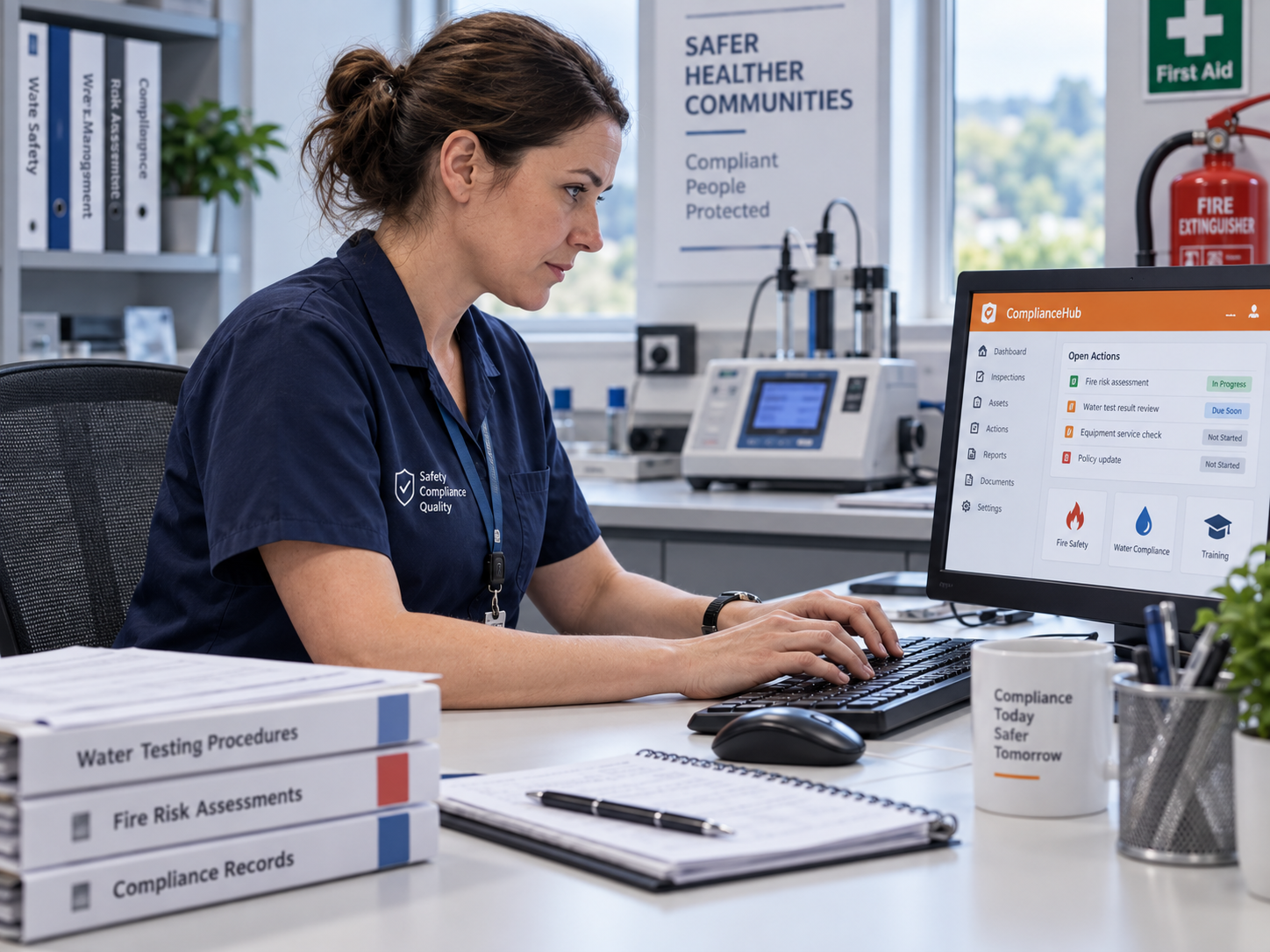
Built for your sectors
The same four-stage discipline applies wherever an inspection or test produces a record that must stand up to audit or client review.
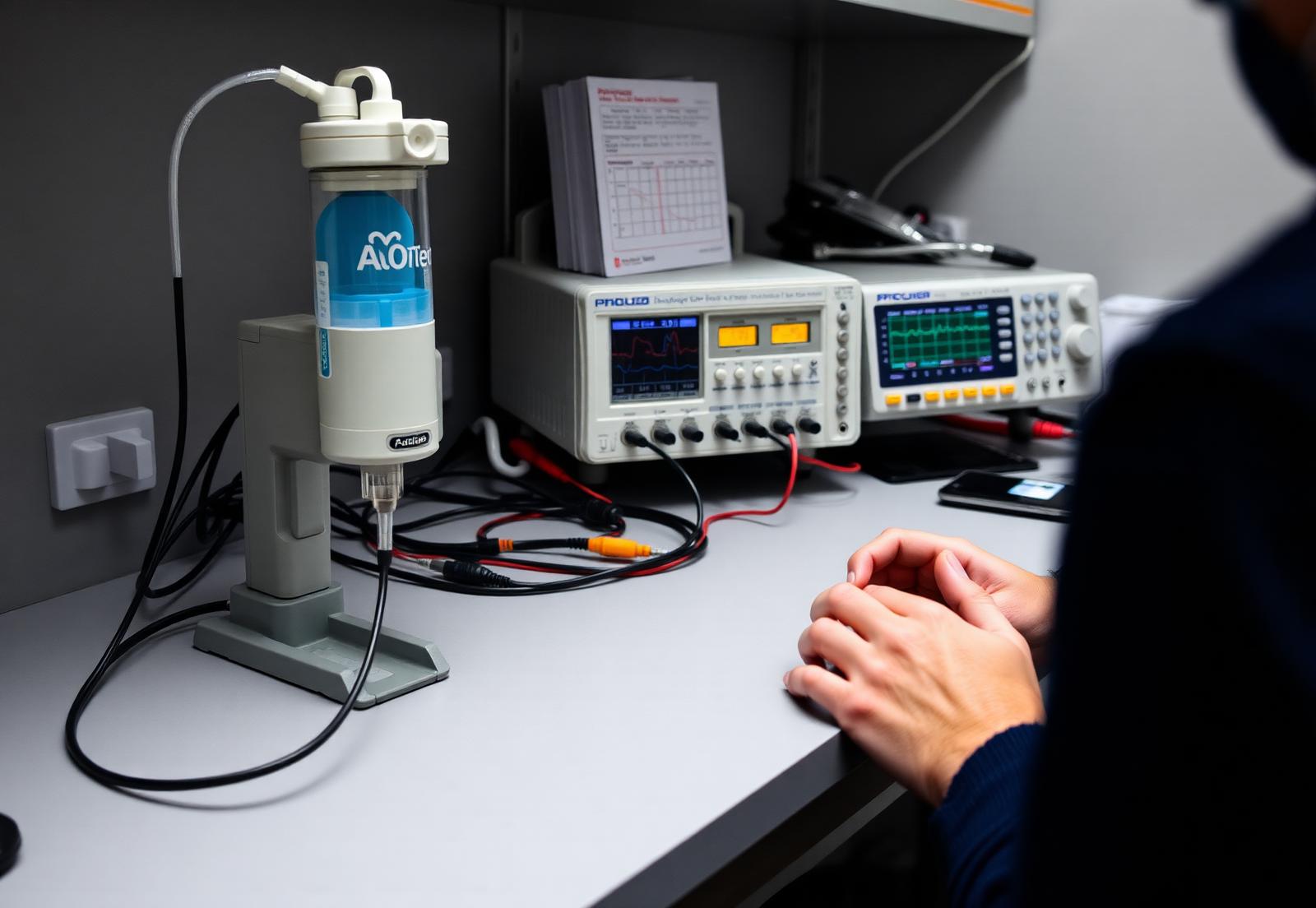
BMET
For biomedical engineering service providers managing equipment testing, calibration and maintenance across customer sites.
Learn more
Water Hygiene and Safety
For water hygiene contractors managing monitoring visits, service records and customer reporting.
Learn more
Fire Safety
For fire safety contractors managing inspections, defects, remedial work and customer records.
Learn moreSolutions that work for everyone
Below are some of the options available to all our clients, to take them from Quote through to Invoice and including all stages in between.
Visual Planning and resource scheduling
Plan resources and work by site, asset, contract and engineer in Visual Planning. Apex and Axiom stay connected through Dinsdale Select.
Integrated AI assistance
We use AI-assisted development to move from a defined problem to a working solution faster, without replacing the thinking, testing or validation.
Digital forms and unlimited templates
Every checklist, certificate and report is a versioned digital template. Build them for any process, then update them without breaking historical records.
Data import
Bring in asset registers, locations, users and schedules from spreadsheets or existing systems. Dinsdale Select keeps the data synchronised afterwards.
Immutable records
Every field change, signature, photo and timestamp is stored with its history. Records become evidence, not paperwork.
Customised forms and tailored workflows
Every process is different. Forms, fields, rules and hand-offs are configured to match how your team works, not the other way around.
Reduced friction between field and admin
The same record feeds the engineer's mobile app and the office dashboard, so nobody re-keys what was already captured once.
Bill for all work
Every completed job, extra finding and remedial action is visible to billing, so chargeable work no longer disappears in paperwork.
Capabilities by stage
The same workflow is built from distinct capabilities at each stage. These are the practical features teams use every day.
Pre-work
- Estimates
- Quotes
- Scope
- Asset On-Boarding
- Site Risks
Input and Scheduling
- Full planning and resource allocation
- Drag and Drop
- Web and Mobile App
- GEO Location and Route Planning
- 52 Week PPM
- Skills & Certification Checking
Field Execution
- Digital Forms
- Unlimited Templates
- Barcode and QR Code
- Off-line operation
- Mobile
- Equipment History and Medical Record Files
Post Completion
- Branded compliance documentation
- Send to Xero/QuickBooks
- Self-Service Portal
- Multiple standards (JC, NIST, UK Water, ACOP L8, HSG274)
- Compliance alerts
- Photo attachment
Enhanced workflow to simplify your day
Practical steps that connect sales, planning, delivery and follow-up without retyping information or switching systems.
Prepare the next quote from what you already know
Use previous work, resource information and current approved pricing as context for a draft.
Bring scope, price and delivery into one proposal
Combine structured requirements and commercial terms with customer-facing narrative that your team can revise.
Carry agreed work into the plan
Turn accepted scope into structured work and planning requirements without repeating the same sales data entry.
Check the delivery plan before you commit
Model resource and schedule options before agreeing a price or delivery date.
Use the customer history
Bring relevant earlier jobs, sites, documents, pricing and outcomes into the next piece of work.
Take variations into the next commercial step
Carry a recorded change into a proposed quotation, including its resource and schedule effect.
Prepare supported tender responses
Use approved statements and stored evidence for a first response while flagging unsupported questions.
Bring the completion evidence together
Assemble scope, completed work, forms, photographs, signatures, certificates and exceptions.
Prepare invoice information from completed work
Compare quoted, planned and delivered work, including additions, omissions and variations.
Know what needs the next customer conversation
Keep outstanding actions, recurring requirements and expiring agreements visible for follow-up.
Show Us Your Process
Tell us which form or workflow is creating extra work. We’ll discuss how to simplify it and agree a practical next step.