
PRODUCT - DINSDALE APEX
Complete the inspection. Don't spend the evening doing paperwork.
Dinsdale Apex turns inspection and testing forms into a controlled digital process. Capture readings, photographs and signatures during the work, then move the record through review to customer reporting. Use it on its own, or present it within a Visual Planning workflow connected through Select.
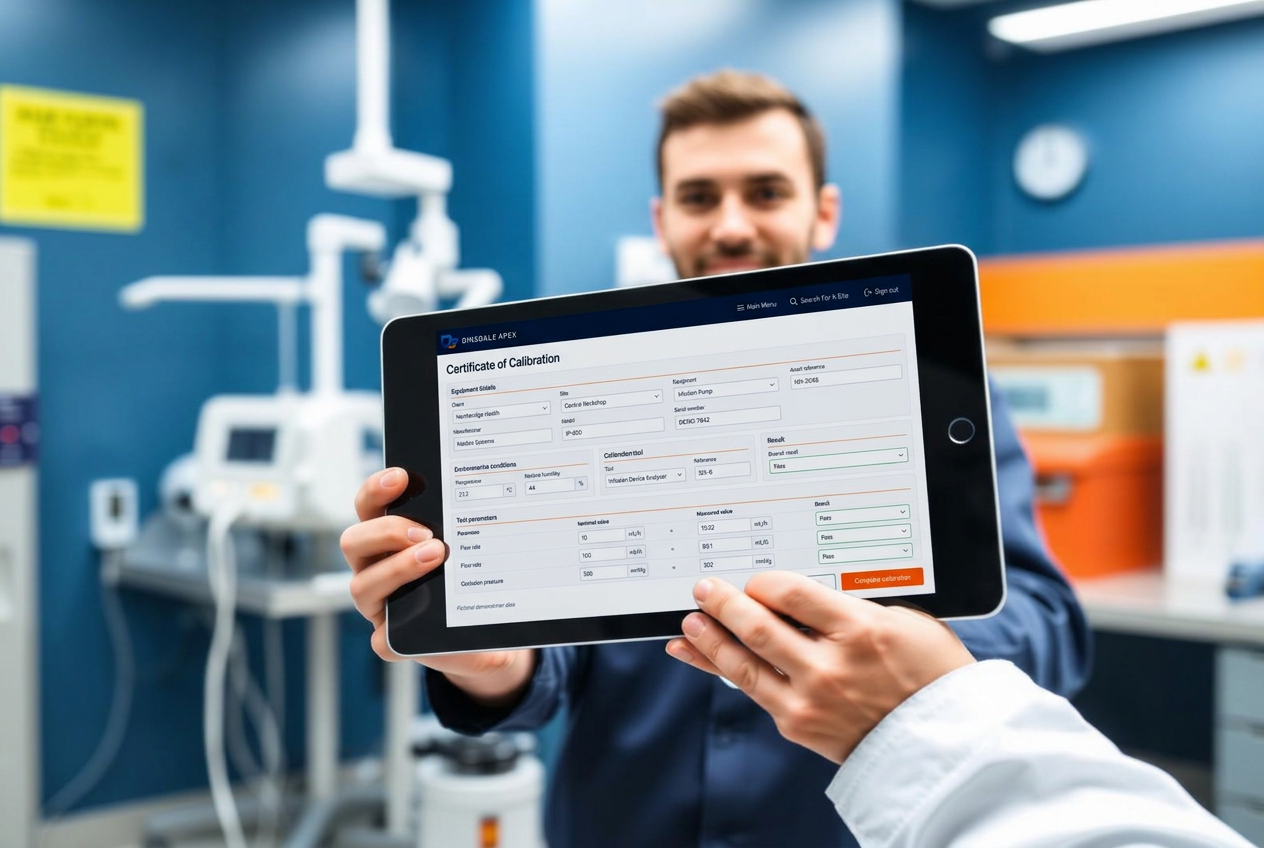
What Apex does
A template engine, an asset register and an evidence store, built to be finished on a device in the field rather than typed up afterwards.
Template studio
Rebuild any paper form as a versioned digital template. Sections, tolerances, lookups, photo requirements and signatures, configured by your own team.
Offline-first capture
Plant rooms, risers and theatre suites have no signal. Apex caches templates and asset data locally and syncs on reconnect with conflict handling.
Asset register
Every record attaches to an asset. Scan the tag to see service history, previous readings, open faults and the next due date.
Tolerances & exceptions
Out-of-tolerance readings, failed tests and missing evidence raise an exception the moment they're recorded, routed to the person who can act.
Certificates & evidence packs
Branded certificates generated on completion, and evidence packs that bundle records, photos and change history for a date range.
Planning, scheduling & PPM
Plan resources, schedules and events in Visual Planning, then present the relevant Apex work within the connected workflow.
Remedials
Findings become tracked actions with owners, target dates and closure evidence, rather than a note at the bottom of a report.
Reporting
Completion, compliance and exception views by site, asset class, contract or engineer, exportable for board and client reporting.
Integration via Dinsdale Select
Dinmore's MCP and agreed interfaces connect Apex with Visual Planning through Select. Work orders come in; completed records and certificates flow back out.
Four steps from arrival to certificate
- 01
Scan
The engineer scans the asset tag or picks the job from their scheduled work for the day.
- 02
Complete
The template guides them: only relevant fields, with tolerances checked as values are entered.
- 03
Evidence
Photos, readings and signatures attach with timestamp, user and, where permitted, location.
- 04
Publish
The certificate is issued, the asset history is updated and the next service is scheduled.
Why templates beat documents
A PDF or spreadsheet records what someone typed. A template records what the process required, what was actually found, and the difference between the two. That distinction is the whole of compliance.
Because a Dinsdale Apex template understands its own fields, it can enforce a tolerance band, demand a photograph when a check fails, hide sections that don't apply to a device class, and refuse to close until the required evidence exists.
It also means the data is queryable. Every reading is a value, not a line of text in a scanned page, so trend analysis, contract reporting and exception review all work without anyone re-keying anything.
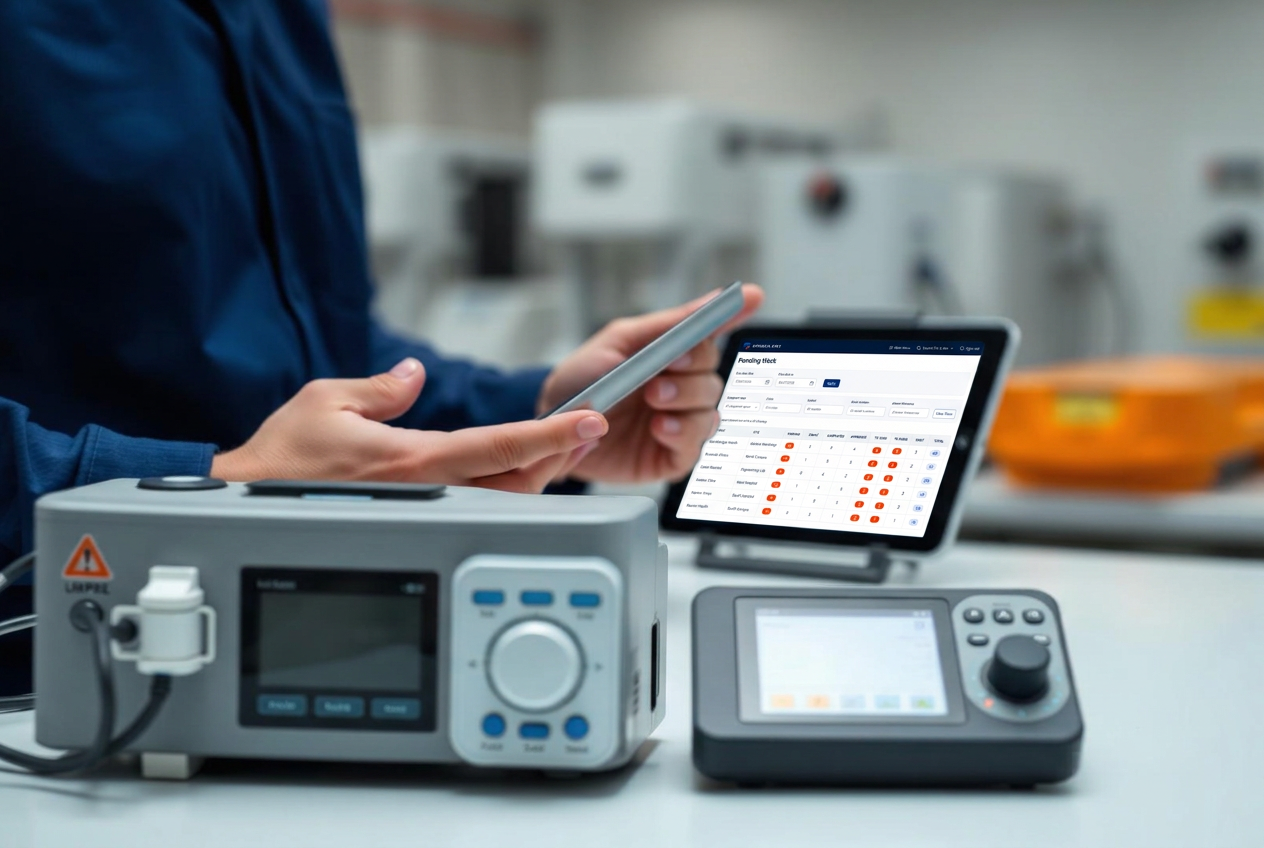
Records you can trace, review and retrieve.
Keep the history behind the finished record, including who completed the work, what was reviewed and which version of the form was used.
- Record history with field-level change tracking
- Role-based access, delegation and electronic signature capture
- Template versioning, so a 2024 record is read against the 2024 template
- Retention policies and export in open formats — your data stays yours
- Attachment integrity: photos and readings bound to the record that created them
Where Apex is used
The same discipline — asset, test, result, evidence — applies wherever an inspection produces a record that carries weight.
Common questions
- Can we build templates ourselves?
- Yes and No. You can design them, create pdf samples, etc. but we will configure these within APex so that this is how they look both on-screen and to clients. We make sure that they are designed for compliance and versioned, so a record completed last year is always read against the template that was live at the time.
- What happens when there is no signal?
- Work continues offline. Templates, asset data and previous records are cached on the device, and completed records are for synched when you are back on-line and push them through. Conflicts are surfaced rather than silently overwritten.
- Does Dinsdale Apex replace our CAFM or CMMS?
- It doesn't have to. Many teams keep their existing job management and use Dinsdale Apex purely as the record and evidence layer, with Dinsdale Select keeping the two in step.
- How is competency handled?
- Competency lives in both Dinsdale Axiom and is a mirror of Visual Planning. A record can show the qualification the engineer held on the day the work was carried out.
- Can Apex be presented within Visual Planning?
- Yes. Select connects Apex to Visual Planning so planned work and resources can lead into Apex records, with completed evidence returned to the connected workflow.
Show Us Your Process
Tell us which form or workflow is creating extra work. We’ll discuss how to simplify it and agree a practical next step.