
Building, demolition and refit
Keep a clean record of every site, ready to share with clients
Keep site surveys, quotes, daily progress, photos and variations together in one location, so clients can see what was done on every building, demolition or refit job. Stop wasting time searching.

Designed to improve information workflow and reduce admin time, by hours!
- 01
Survey and quote
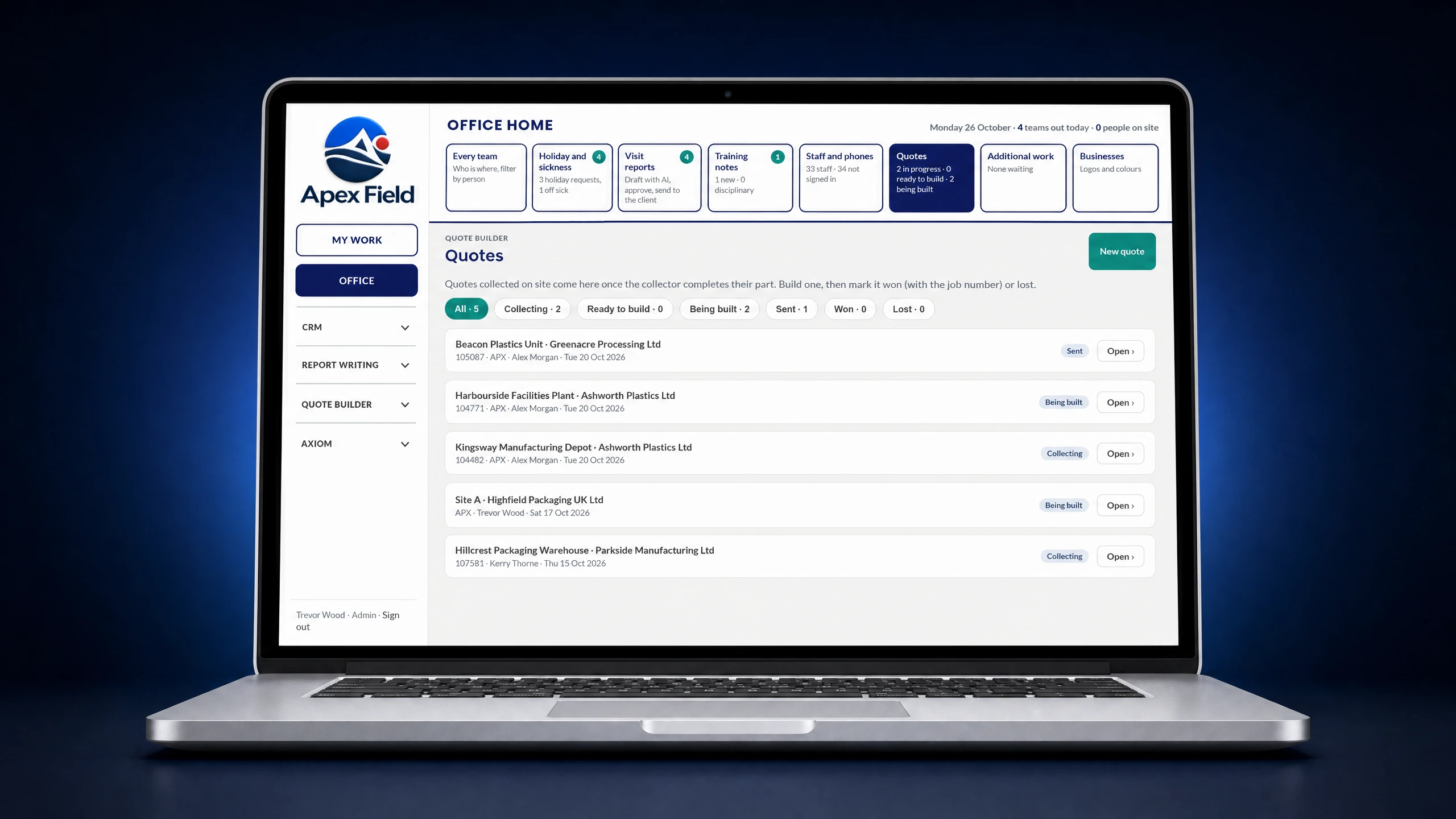
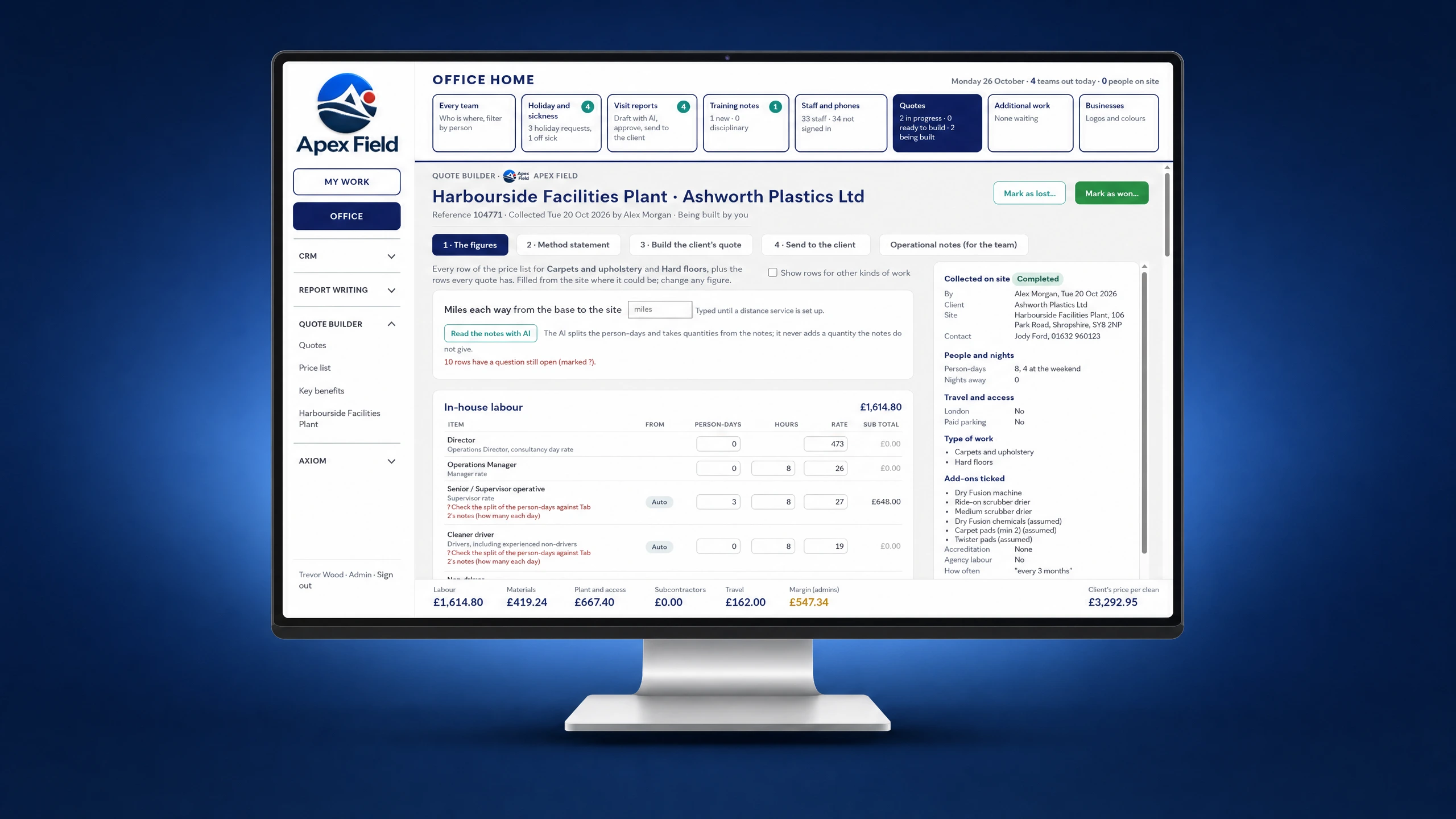
Capture measurements, photos and notes on site, then finish a tailored quote in the office and send it for approval.
- 02
Record daily progress
Crews clock in, record progress, before-and-after photos and sign-offs against the job, across visits that run for days or weeks.
- 03
Manage variations
Turn extra work found on site into a scoped variation quote, capture approval and link the evidence to the original job.
What this looks like on a job
A refit crew finds damaged boarding behind a strip-out and photographs it. The office prices the variation and the client approves it online. At handover, the client has a record of the original scope, the extra work and the finished result.
Explore field service management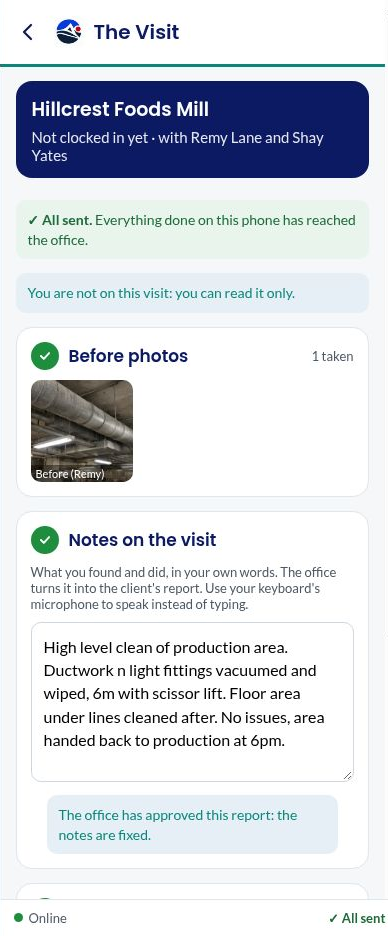
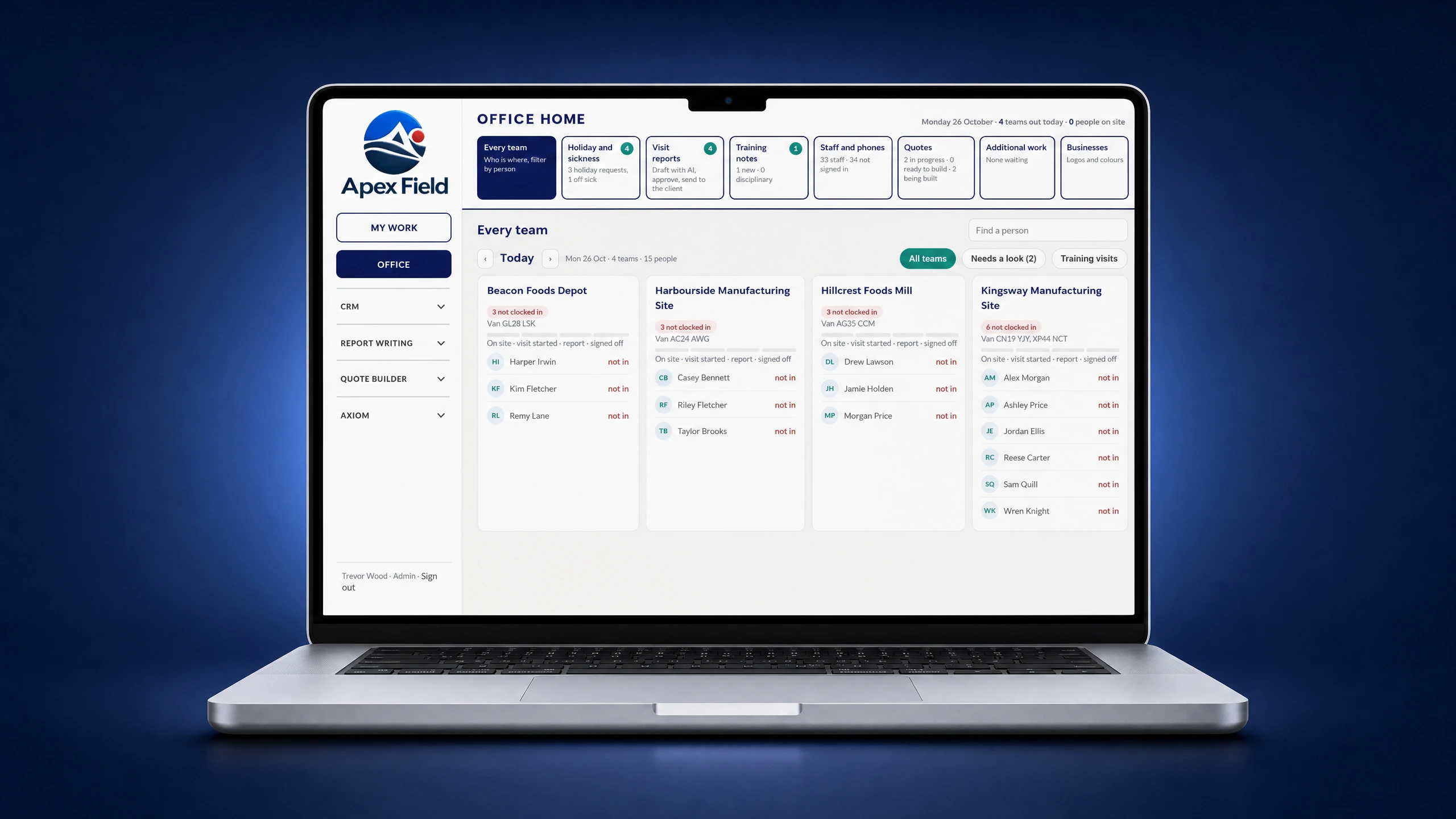 Screen 1 of 4: The office view of every team
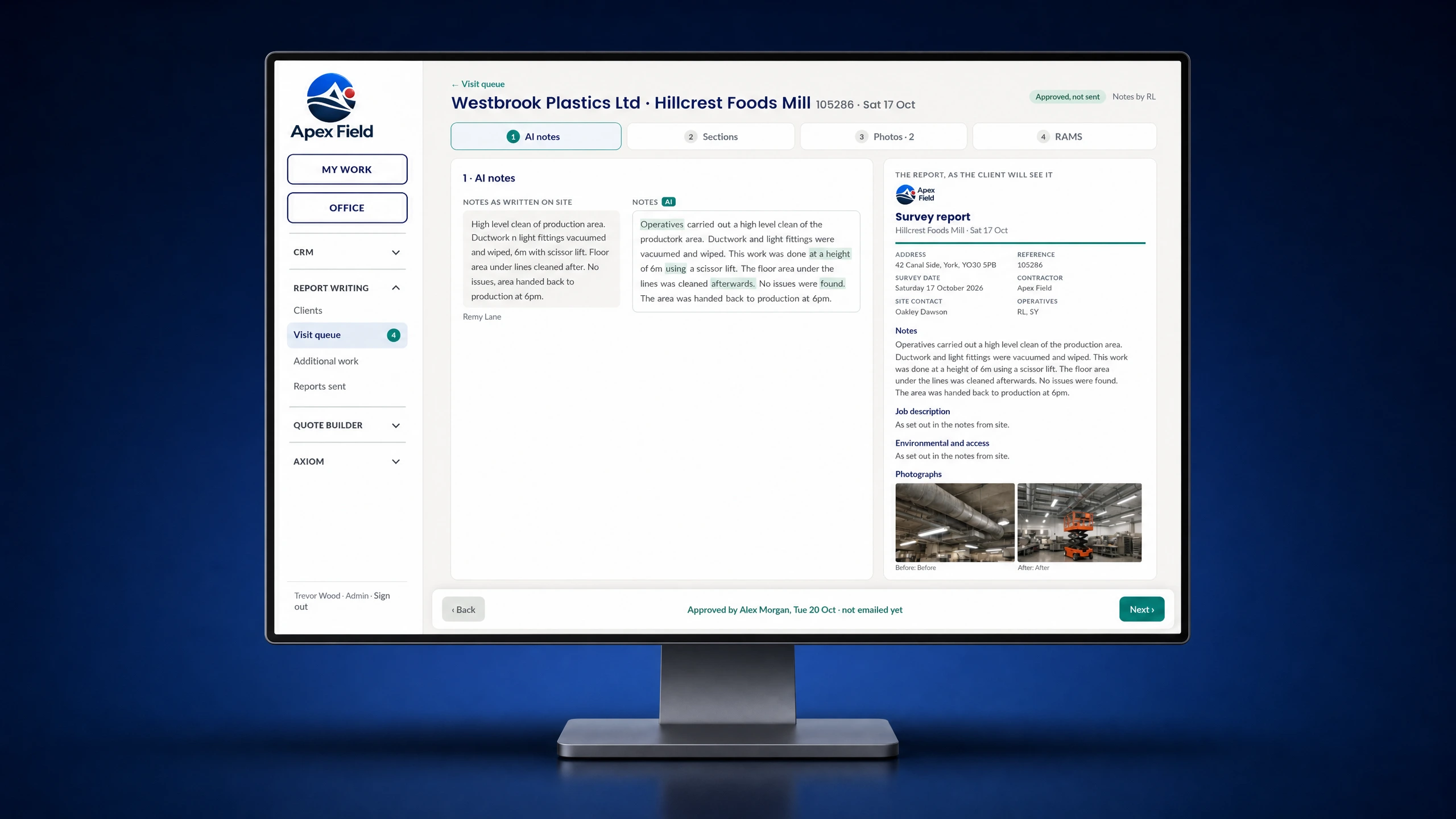
What this looks like for admin
Office staff can see the work coming back from every team, finish quotes and prepare customer reports from the forms, notes, photos and signatures captured on site. The information stays with the job, so there is no need to rebuild the visit from separate paperwork.
Explore field service managementShow Us Your Process
Bring one of your job sheets, site checklists or reporting workflows. We’ll discuss how it could work for your team.